



Configure records for every use case
Save workspace-wide record layouts for sales, customer success, partners, and investors, then switch views directly on a Zero record.
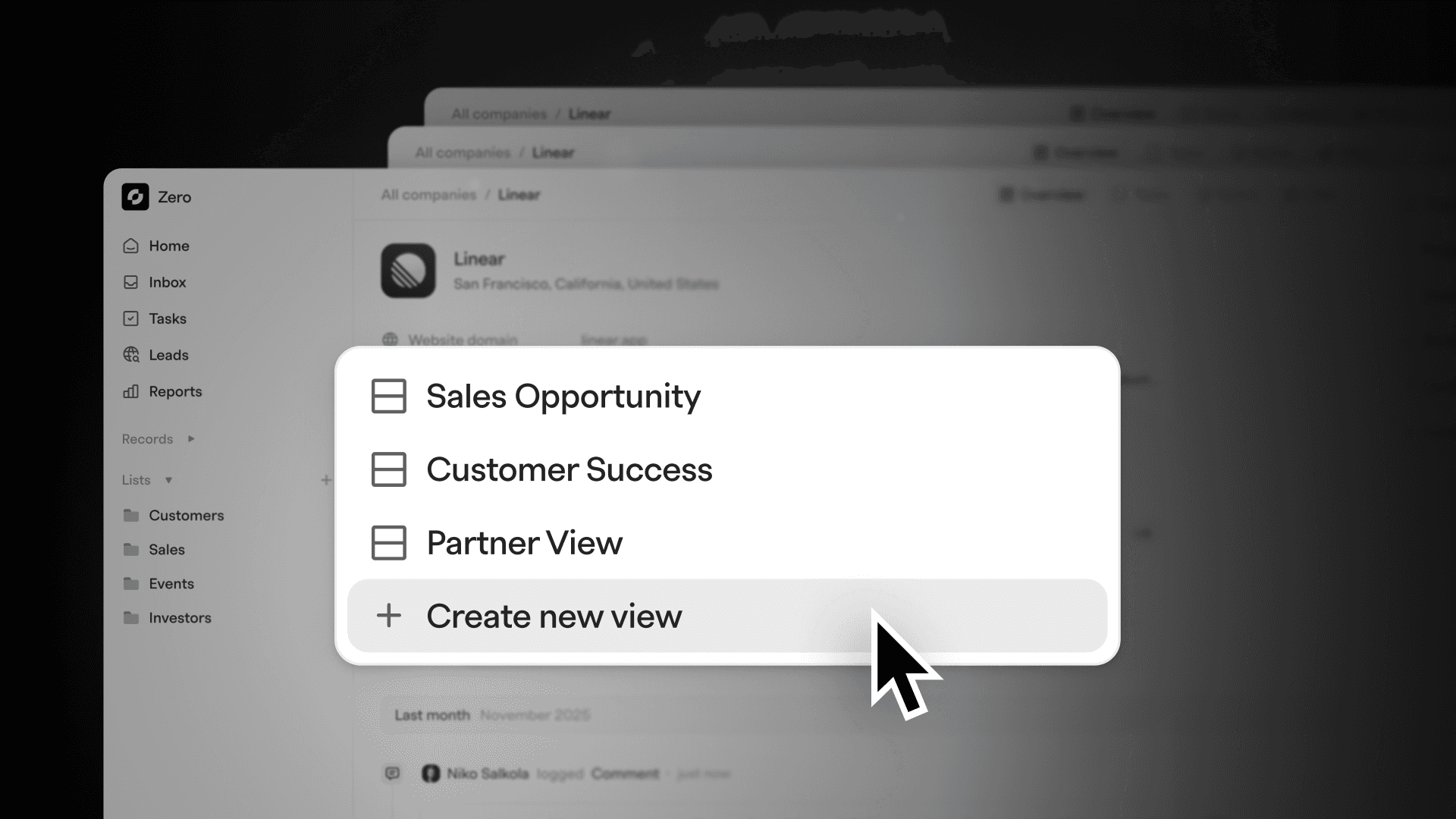
Workspace-wide saved record layouts
You can now create workspace-wide saved record layouts and switch between them at the record level.
Examples include:
- Sales opportunity
- Customer success
- Partner view
- Investor view
Each layout can surface different fields, sections, and information depending on the workflow.
Once created, you can quickly switch between these views directly on a record.
Why this matters
No single record layout works for every team or situation. Sales, success, partnerships, and investors all need different information at different moments.
With saved record layouts, Zero adapts to the way you work instead of forcing a single rigid structure. You get faster access to the right context, cleaner records, and a CRM that stays flexible as your workflows evolve.
Flexibility is what keeps a CRM useful as your business grows.