



Record view 2.0
Explore the redesigned record view with a clearer overview, associated contacts, a touchpoints graph, and configurable property panels.
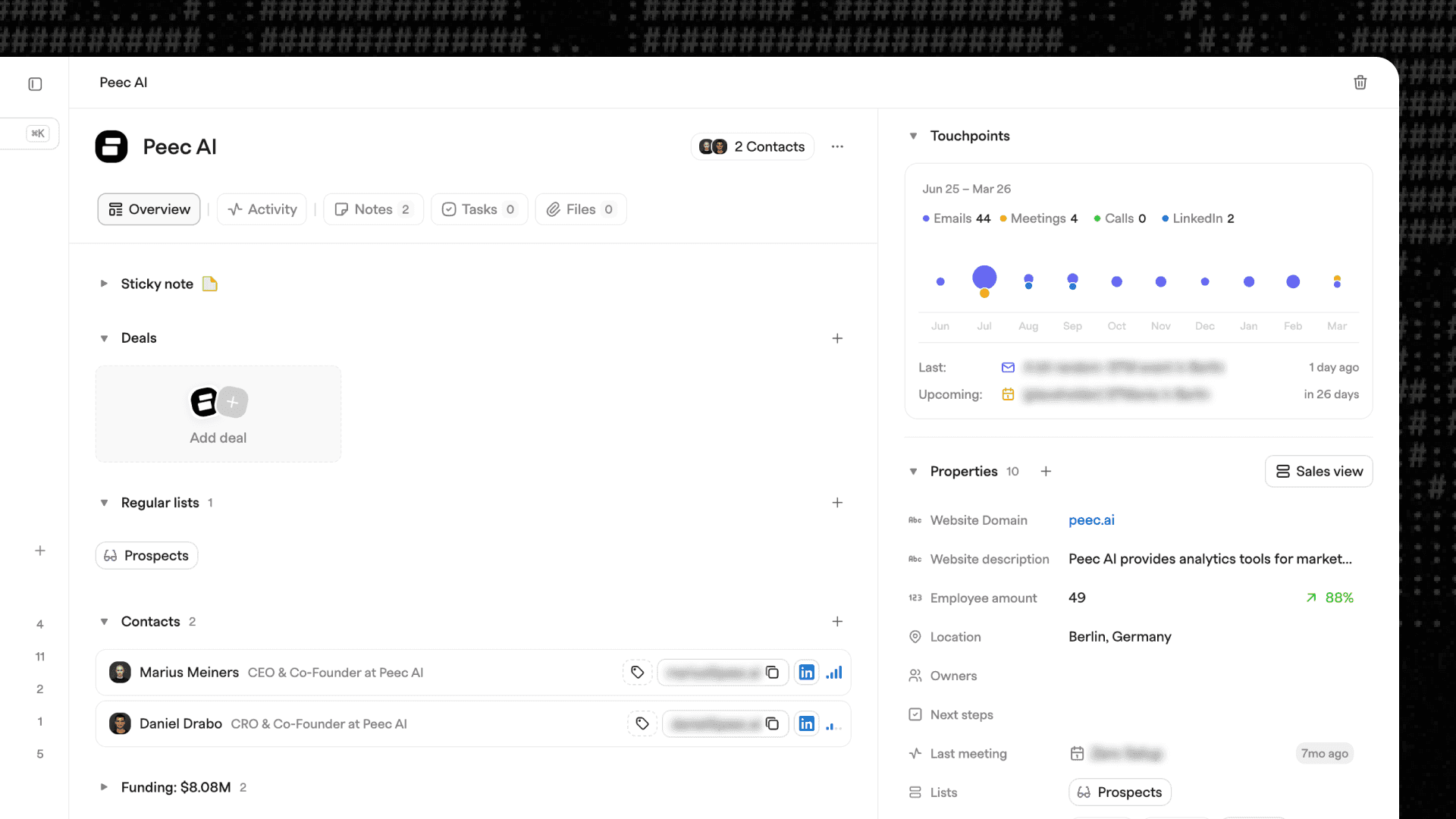
A completely redesigned record view
Clear context for every relationship.
What's new:
We have rebuilt the record view to make it easier to understand what is actually happening with a company or contact. Instead of scanning through scattered activities and fields, the new layout surfaces the most important signals immediately.
Key improvements include:
Overview page
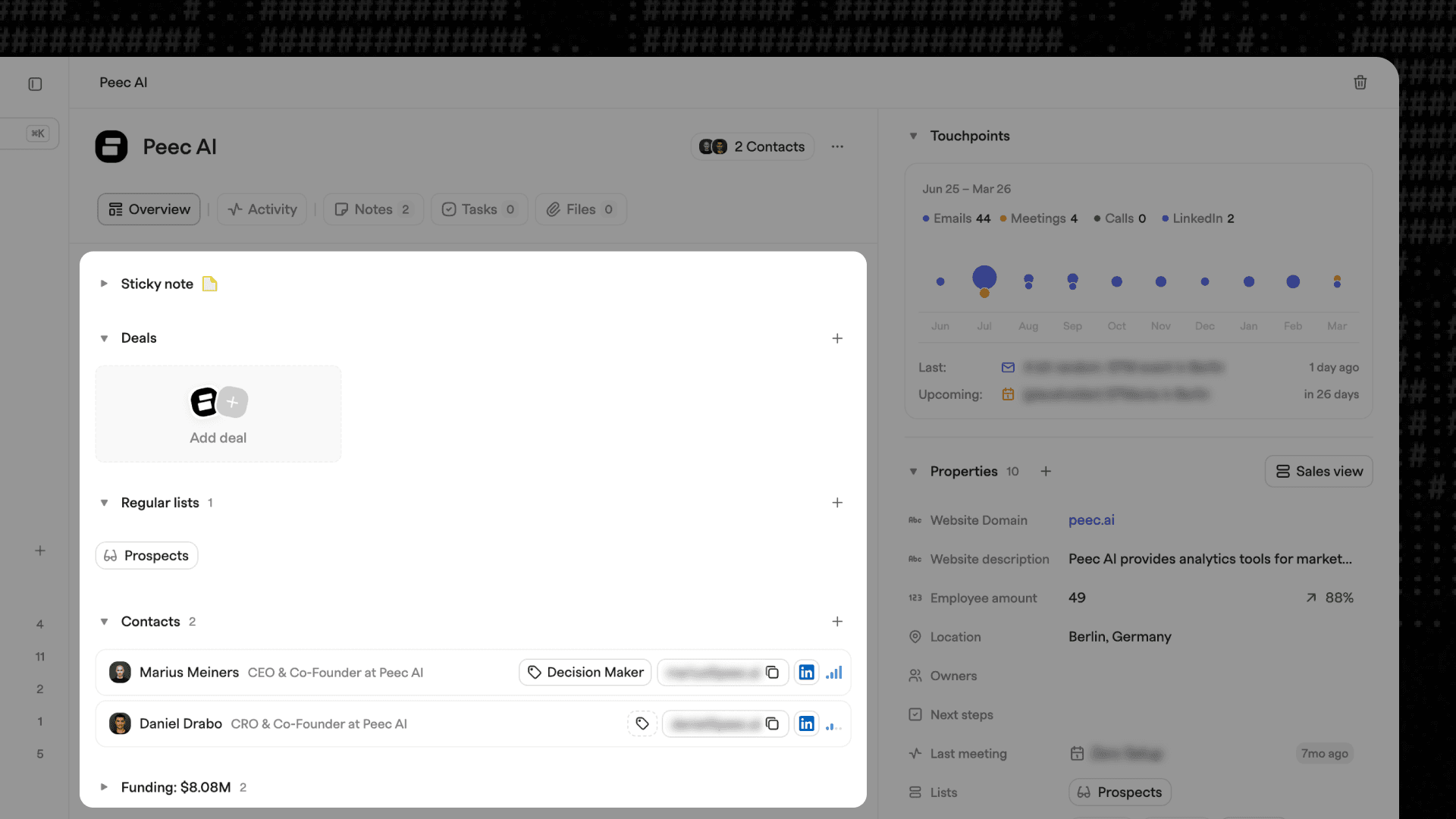
The new overview gives you a clean snapshot of the entire record. You can quickly understand the current state of the relationship, recent activity, and important context without digging through multiple sections.
Associated contacts
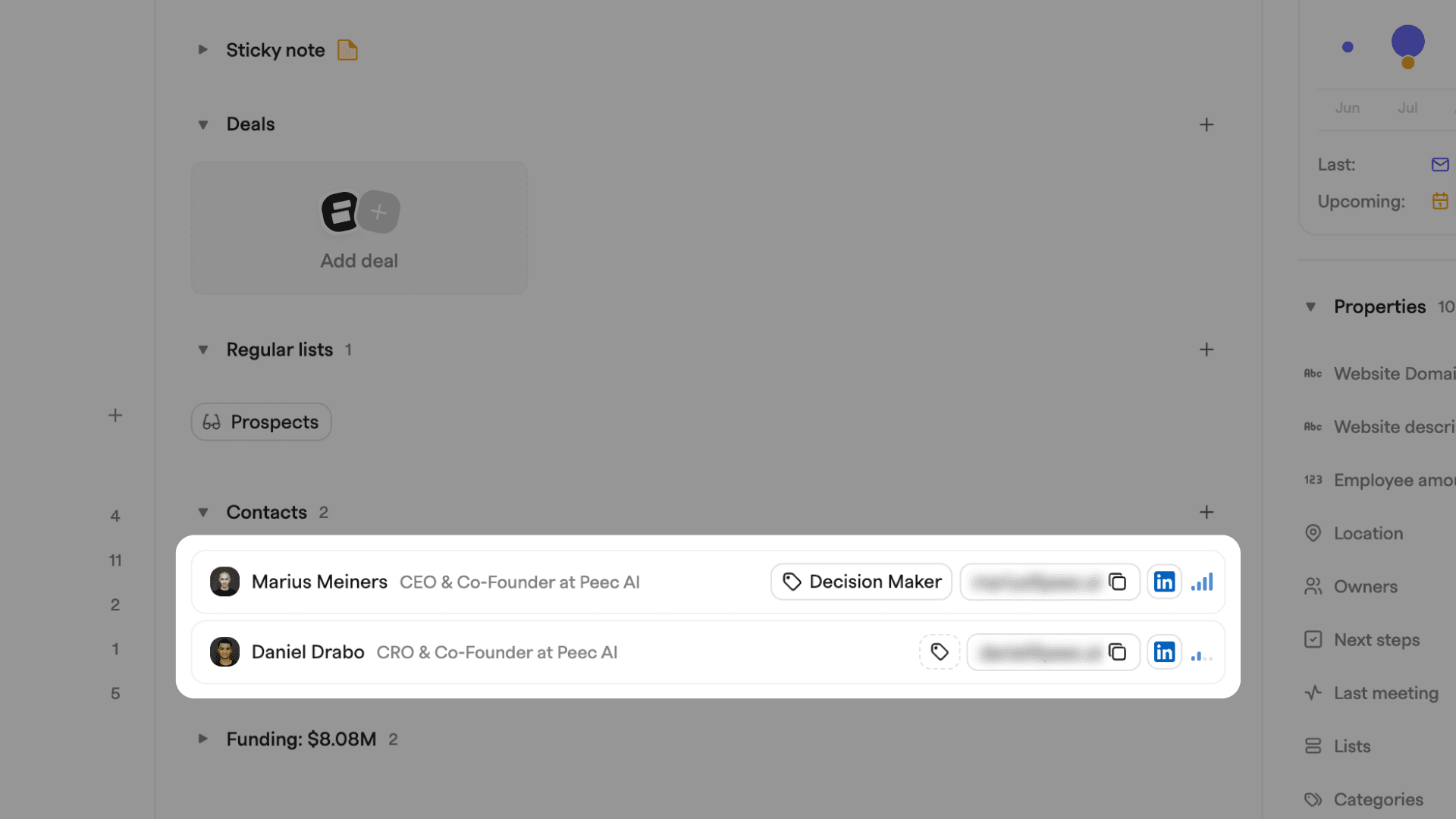
Contacts are now organized with clearer structure. Contact types and activity levels help surface who is actually involved in the relationship.
You can immediately see:
- Which contacts have the most recent touchpoints
- Who is actively engaged
- If a key role such as a decision maker has little or no recent interaction
This makes it much easier to spot gaps in the relationship and act on them.
Touchpoints graph
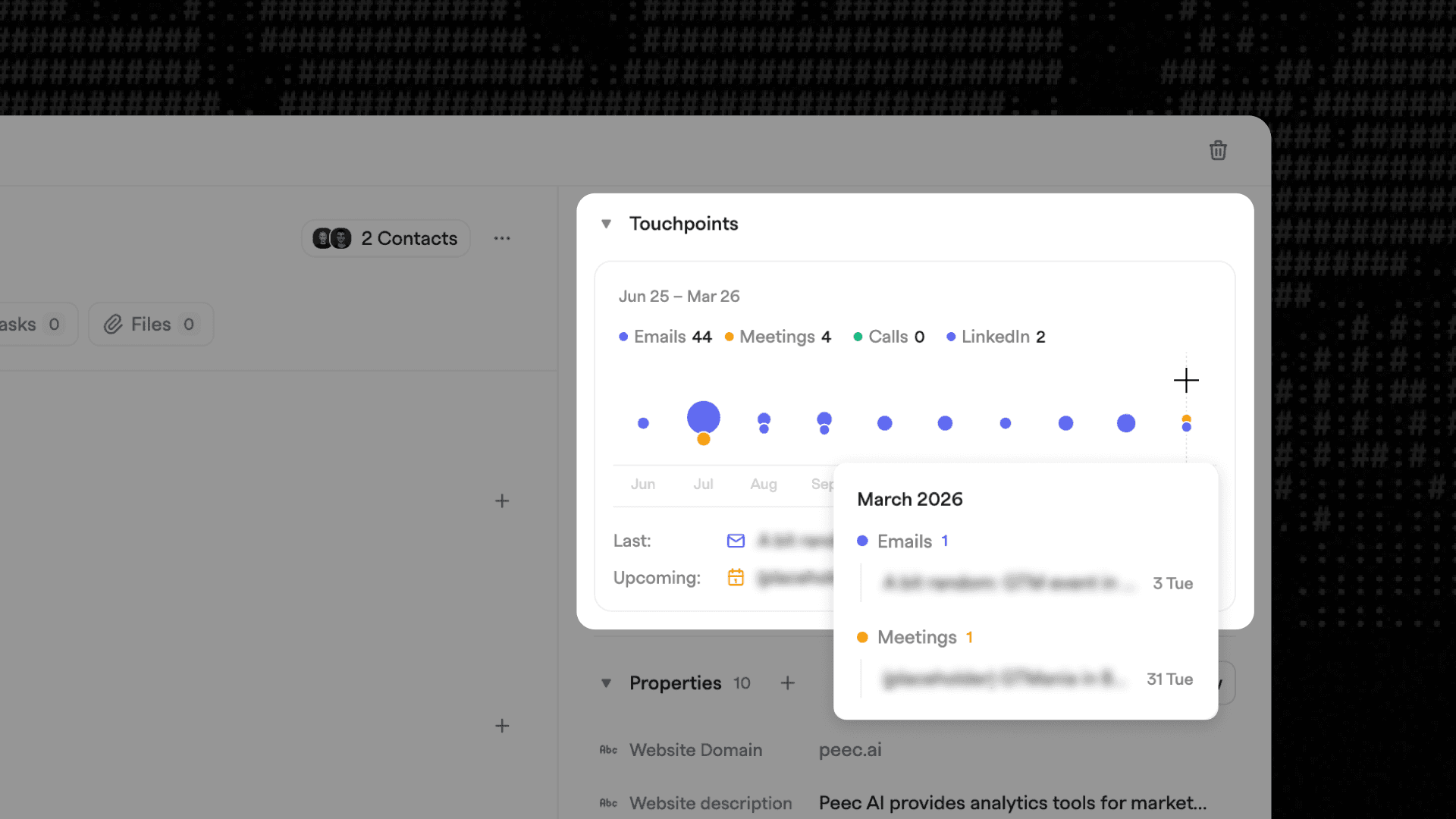
A new activity graph visualizes the full interaction history of the record. Instead of scrolling through timelines, you can see how active the relationship has been over time.
This touchpoint foundation will also enable you to track custom activity types (coming soon), allowing teams to capture the interactions that matter most, such as:
- Conference conversations
- Lunch meetings
- Investor updates
- Product demos
- Customer check ins
This gives you a clearer picture of momentum and engagement across the lifecycle of a deal or account.
Enhanced property panel editor
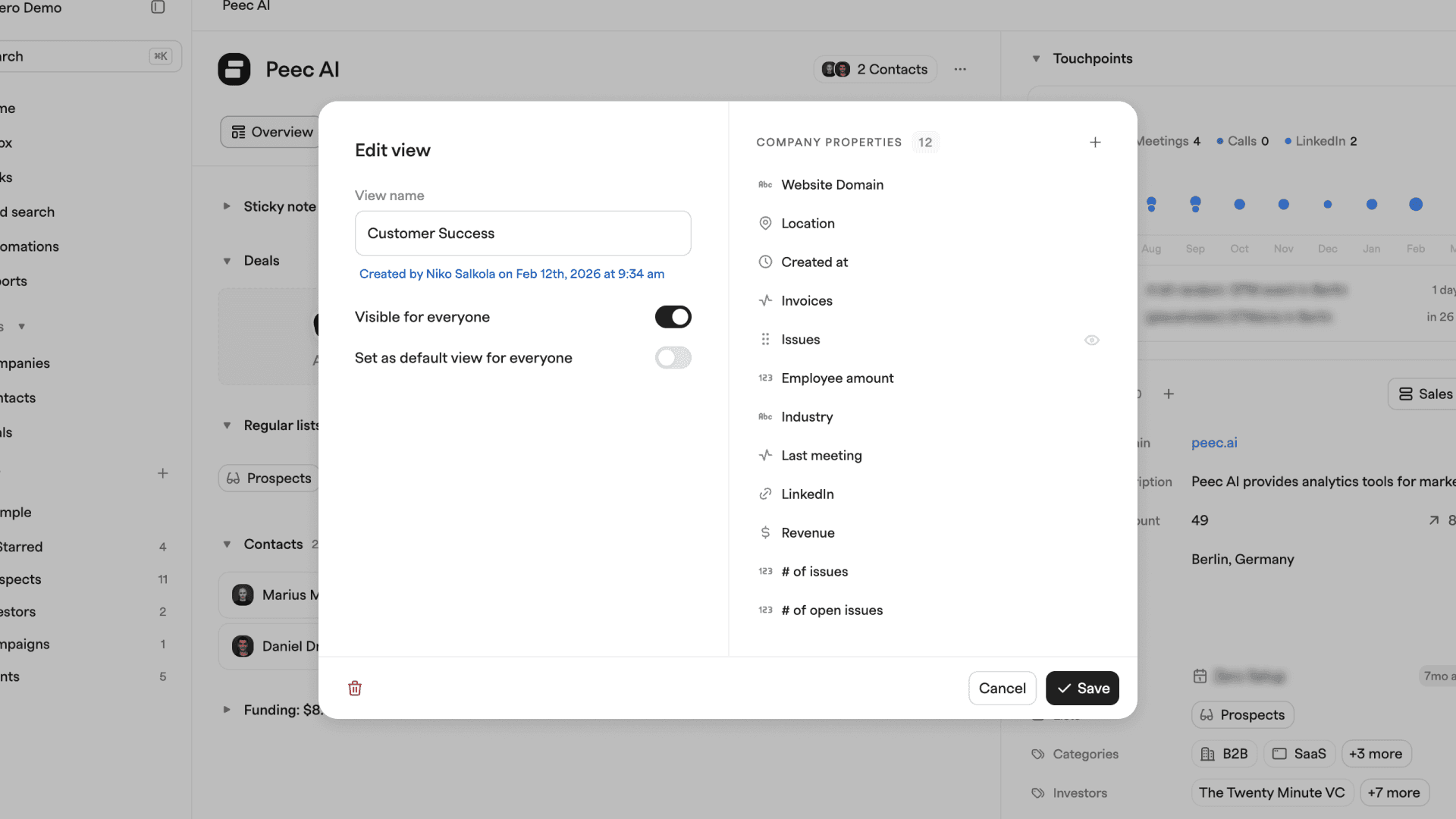
The property panel editor has been upgraded so you can create focused record views for different workflows, for example:
- Sales opportunity view
- Customer success view
- Partner view
- Investor view
Each layout can highlight the information that matters for that specific use case. One view may focus on interactions and pipeline progress, while another highlights product usage or customer health.
Why this matters
CRM records should help you understand relationships quickly. When context is scattered across fields, notes, and activities, it becomes difficult to see what is actually happening.
The new record view surfaces activity, relationships, and key signals in a structured way. You get a faster understanding of engagement, clearer insight into who matters in the account, and better visibility into the momentum of the relationship.
The result is a record that works both for humans making decisions and for the agents that rely on this context to move your pipeline forward.